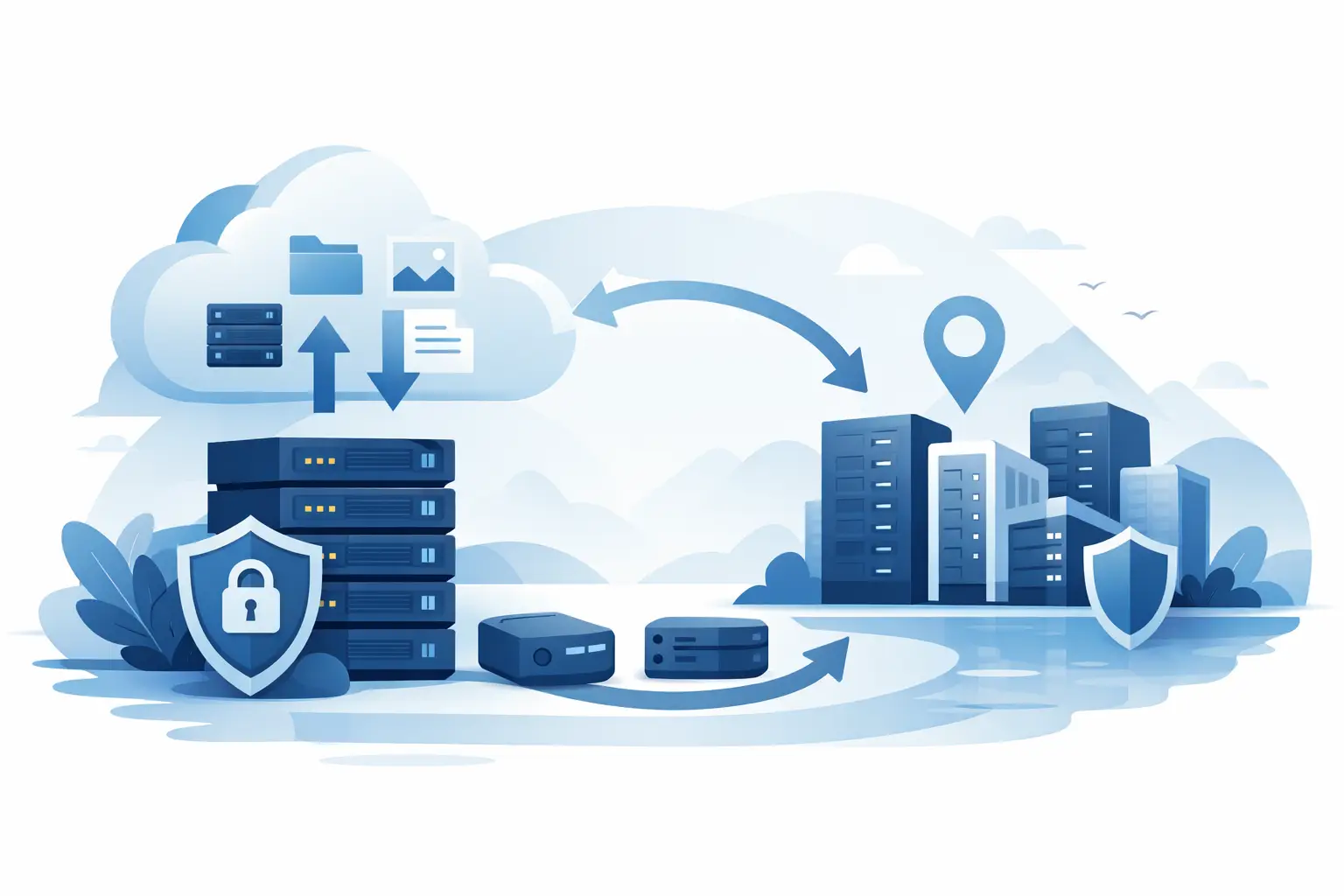
Backup Storage VPS for Secure Offsite Data
When a restore is needed, nobody cares how cheap the platform was. They care whether the backup is complete, recent and actually recoverable. That is why a backup storage VPS matters. It gives you a separate, controllable environment for storing copies of websites, databases, business files and server snapshots away from the live system that could fail, be compromised or simply be deleted by mistake.
For many UK businesses and developers, the problem is not whether to back up. It is where those backups should live and how much control you need over them. Public cloud storage can work well, but it is not always the best fit for customers who want predictable pricing, direct server access, defined resources and a hosting platform they can configure around their own retention, transfer and restore requirements.
What a backup storage VPS is really for
A backup storage VPS is a virtual private server designed primarily for holding backup data rather than serving live production traffic. In practice, that usually means a plan built around higher storage capacity, stable connectivity and enough system resources to handle scheduled backup jobs, compression, encryption and restore activity.
The key point is separation. If your website, application or database runs on one server and your backups sit on the same machine, you do not have a proper fallback. Hardware faults, ransomware, filesystem corruption and admin mistakes can all affect both the live workload and the backup set if they share the same environment.
By moving backup data to a separate VPS, you reduce that risk. You also gain more freedom in how you manage the data. You can use rsync, SFTP, SCP, Rclone, backup agents, snapshot exports or custom scripts. For technical users, that flexibility matters more than a polished but restrictive backup dashboard.
Why backup storage VPS suits real hosting workloads
For small websites, a simple daily control panel backup may be enough. Once you are handling client sites, virtual machines, game servers, customer data, streaming assets or line-of-business systems, the backup requirement changes. Storage grows, restore windows matter more, and you need a setup that does not get in the way.
A backup storage VPS is often a strong fit because it sits between two extremes. It offers more control than a basic shared backup add-on, but it is usually more cost-effective and easier to deploy than building an entire physical storage platform. That makes it practical for startups, agencies, online services and SMEs that need dependable offsite capacity without overcomplicating the stack.
There is also a compliance and operational benefit in knowing where your infrastructure is hosted. For UK-based customers, keeping services and backup infrastructure in UK locations can simplify internal policy decisions, support expectations and latency-sensitive transfers. It will not replace proper compliance advice, but for many organisations it is a sensible operational choice.
Backup storage VPS vs cloud object storage
This is where the decision usually becomes more specific. Cloud object storage is excellent for scale and durability, but it is not always the simplest option for every workflow. Some backup tools support it natively, others need additional configuration, and egress or request-based pricing can become less predictable when restores are frequent or backup jobs are badly tuned.
A backup storage VPS gives you a conventional server environment. You get disk space, an operating system, root or admin access and the ability to shape the backup process around your software rather than adapting everything to a storage API. If your team already works comfortably with Linux or Windows server administration, that can speed deployment and reduce friction.
The trade-off is that a VPS places more responsibility on you. You need to secure it, monitor usage, manage retention and confirm that backup jobs are completing. Cloud storage platforms abstract more of that away. So the right choice depends on whether your priority is maximum flexibility and control, or a more managed storage model with less hands-on administration.
What to look for in a backup storage VPS
Storage capacity comes first, but it should not be the only buying factor. A large disk allocation is useful only if the platform can support consistent transfer performance and stable access when backup jobs run overnight or when a restore is urgent.
Disk type matters too. For pure archival backup targets, very high IOPS may not be essential. For frequent incremental backups, database dumps or quicker restore operations, faster storage can make a noticeable difference. It depends on whether the VPS will mainly receive compressed archives once a day or act as an active part of a broader disaster recovery process.
Bandwidth and port speed are just as important. Backups often fail not because storage is full, but because transfer windows are too tight. If you are copying large cPanel accounts, VM images or media-heavy sites, limited throughput can turn a nightly backup job into a daytime problem.
Access and operating system choice should be assessed properly. Linux is often the default for backup nodes because it works well with rsync, Borg, Restic and standard scripting. Windows can make sense where business software, internal file workflows or RDP-based administration are already part of the environment. What matters is choosing a platform that matches the tools you already trust.
Security features should not be treated as optional. Backups are a high-value target because they contain the data an attacker wants. Encryption at rest, encrypted transfer methods, strong authentication and network protection all help reduce risk. If the wider hosting environment is exposed to abuse or attack traffic, infrastructure-level protection becomes even more relevant.
How to use a backup storage VPS properly
The most common mistake is treating the VPS as a dumping ground for copies of files without any retention policy or verification. Backups need structure. Decide what you are backing up, how often it changes, how long versions should be kept and how quickly you need to restore.
For websites, that usually means separating files from databases and running scheduled jobs that create consistent snapshots. For VPS or dedicated server workloads, it may mean a mix of full image backups and more frequent incremental data copies. For business file storage, versioning matters because accidental overwrites are often discovered days later, not minutes later.
You should also test restores regularly. A backup that has never been restored is only assumed to work. That assumption is risky. Even a simple monthly check of a database import, website archive extraction or recovery script can expose permission errors, missing files or broken retention logic before it becomes a real incident.
Another practical point is isolation. Your backup credentials should not be identical to your production server credentials, and the backup VPS should not be more exposed than it needs to be. Restrict services, lock down SSH or RDP, and avoid leaving backup archives unencrypted if they contain client or business-sensitive information.
When a backup storage VPS is the better commercial choice
There are plenty of cases where a backup storage VPS is simply the cleaner option. Agencies managing multiple customer websites often need one central destination for backups across several hosting accounts. Developers running staging and production systems may want reproducible offsite backups under their own control. SMEs may need predictable monthly billing without usage spikes caused by restore traffic.
It also works well for customers who want to keep backup infrastructure separate from the main provider stack. If a hosting issue affects the live platform, having backups on an independent VPS environment can make recovery faster and less stressful.
This is where a provider with strong UK infrastructure, practical support and flexible VPS options can make a difference. xHosts UK, for example, offers the kind of VPS environment that suits customers who want direct control, predictable service and infrastructure designed for dependable online operations rather than consumer-grade storage.
Backup storage VPS is not a complete disaster recovery plan
It is worth being clear about the limit. A backup storage VPS solves one major part of resilience, but not all of it. It stores your recoverable data off the live system. It does not automatically document your rebuild process, recreate third-party integrations, preserve every configuration change or guarantee business continuity on its own.
If uptime is business-critical, pair backups with documented recovery steps, access control procedures and realistic recovery time targets. The VPS gives you the data and the platform control. Your process determines how quickly that becomes a working service again.
A good backup strategy should feel slightly boring. Jobs run on schedule, retention is clear, storage use is monitored and restores are tested before anyone is under pressure. That is exactly the point. The right backup storage VPS keeps recovery practical, controlled and ready when something breaks.
Post Tags